How to Share Your Biodata Professionally on WhatsApp: The Ultimate Guide
Last Updated: July 5, 2026
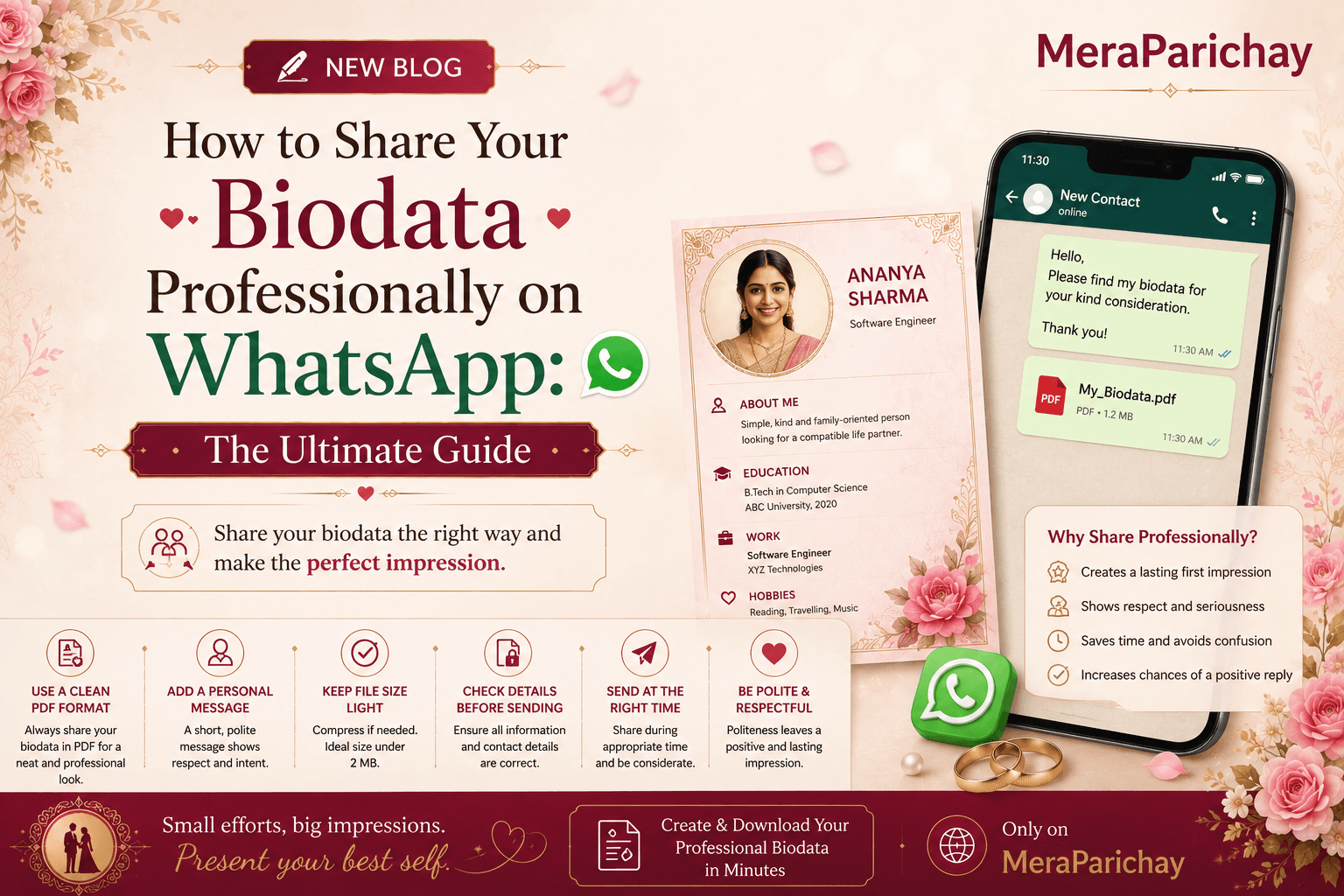
In the modern landscape of arranged marriages, the first point of contact between two families is rarely a formal meeting or a phone call; it is a notification ping on WhatsApp. This digital handshake carries more weight than most people realize. While you may have invested hours perfecting the content and aesthetic design of your marriage biodata, the "delivery" phase is where many candidates inadvertently lose the interest of the other party. Sending a file isn't just about data transfer; it is a demonstration of your communication style, your attention to detail, and your level of seriousness regarding the entire matchmaking process.
1. Digital First Impressions: The Psychology of the Ping
When you send your biodata, the recipient’s brain begins forming a subconscious assessment before they even tap the file to open it. They look at your contact name, your profile picture, and the way you phrased your initial message. In a process where trust is the foundational currency, professional digital etiquette acts as a primary indicator of your character. A sloppy, unformatted, or "blind" file send signals a transactional or casual attitude. Conversely, a thoughtful, well-introduced document signals maturity, organization, and respect for the recipient’s time.
2. The Art of File Naming: A Forgotten Detail
One of the most common mistakes is sending files with default, cryptic names like DOC12345.pdf, Scan_July5.pdf, or Biodata_Final_V2_Corrected.pdf. These names are not just unprofessional; they are highly impractical. When a family is reviewing dozens of profiles, they need to be able to find yours quickly in their downloads folder. A file named Biodata_Final_V2 suggests that you might have sent the wrong version or that you are disorganized.
Biodata_FirstName_LastName.pdf. Including your birth year is also a great way to help families sort their shortlist: Biodata_Divya_Sharma_1998.pdf.3. The 'Cover Note' Strategy
Sending a PDF without a message—or worse, sending it to a stranger without any introduction—is the digital equivalent of dropping a resume on a desk and walking away without saying a word. Your cover note is the "voice" that accompanies your document. It should be concise, warm, and clear about the context.
Recommended Template:
"Hello, I hope this message finds you well. My name is [Name], and I am reaching out regarding the marriage proposal profile we discussed/received. As requested, I am sharing my detailed biodata for your family’s consideration. Please let me know if you have any initial questions or need further clarifications. Looking forward to hearing from you at your convenience."
4. Choosing the Right Time to Send
Digital boundaries are crucial. Sending a biodata at 11:30 PM on a Tuesday might suggest that your schedule is chaotic or that you lack awareness of standard social norms. The "golden window" for sending such sensitive information is typically between 10:00 AM and 7:00 PM. This respects the recipient’s personal time and ensures your message doesn't get buried under late-night notifications, which are often swiped away and forgotten.
5. File Format: Why PDF is the Only Way
Always, without exception, send your biodata as a PDF. Sending Word documents, image collages, or text blocks can lead to frustrating formatting issues. A Word document might look perfect on your laptop but completely broken on a mobile device. Similarly, sending four or five loose images creates a "clutter" effect in the WhatsApp chat. A high-quality, compressed PDF preserves your design layout and ensures your information is presented exactly as you intended, regardless of the recipient’s device.
6. The Etiquette of Following Up
Patience is a virtue in the matchmaking process. If you have sent your biodata and haven't received an immediate reply, avoid sending "ping" messages or asking "did you see this?" within 24 hours. Families are often discussing the proposal with extended family members or taking time to verify details.
If a week has passed, a single, polite follow-up is perfectly acceptable. Frame it with an "out" to take the pressure off: "Hi, I hope you are having a good week. I am just following up to ensure the document I sent reached you safely. I completely understand if you are still discussing or taking time to review, just wanted to check in. Best regards."
7. Security and Privacy Considerations
While you want to be professional, avoid over-sharing personal contact details like your exact home address, full private social media links, or financial account details in the first WhatsApp message. Keep the initial exchange focused on the biodata file. Once a mutual level of interest and comfort is established, you can move toward more detailed conversations and video calls. Protecting your privacy while being open to a match is the hallmark of a confident, secure candidate.
Ready to Share?
Create a polished, professional PDF that leaves a lasting impression every single time.
Create Professional Biodata